Either hand
Choose right- or left-handed diagrams.
 Guitar Mastery Pro
Learn by playing. Tune, practise and find your rhythm with Guitar Mastery Pro for iPhone and iPad.
Explore the appComing to the App Store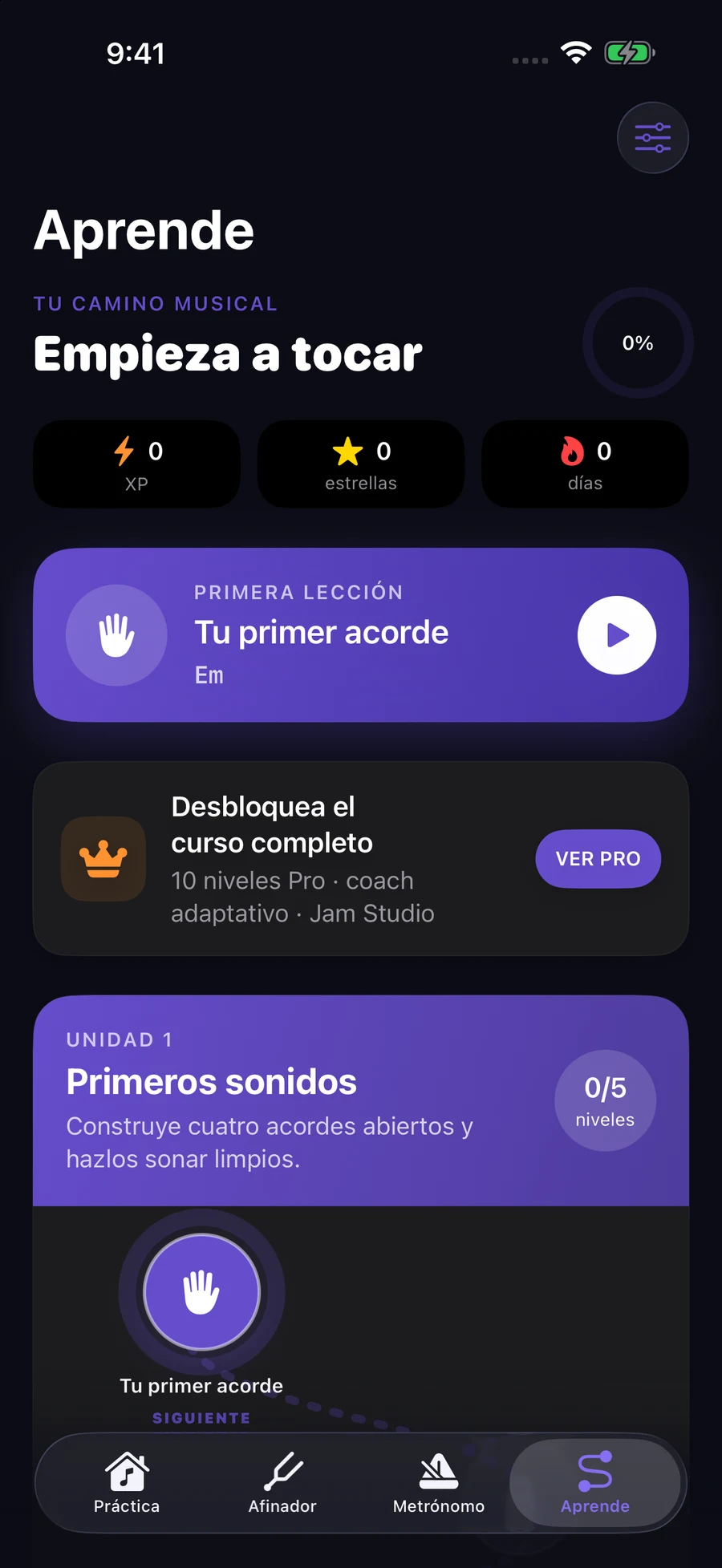
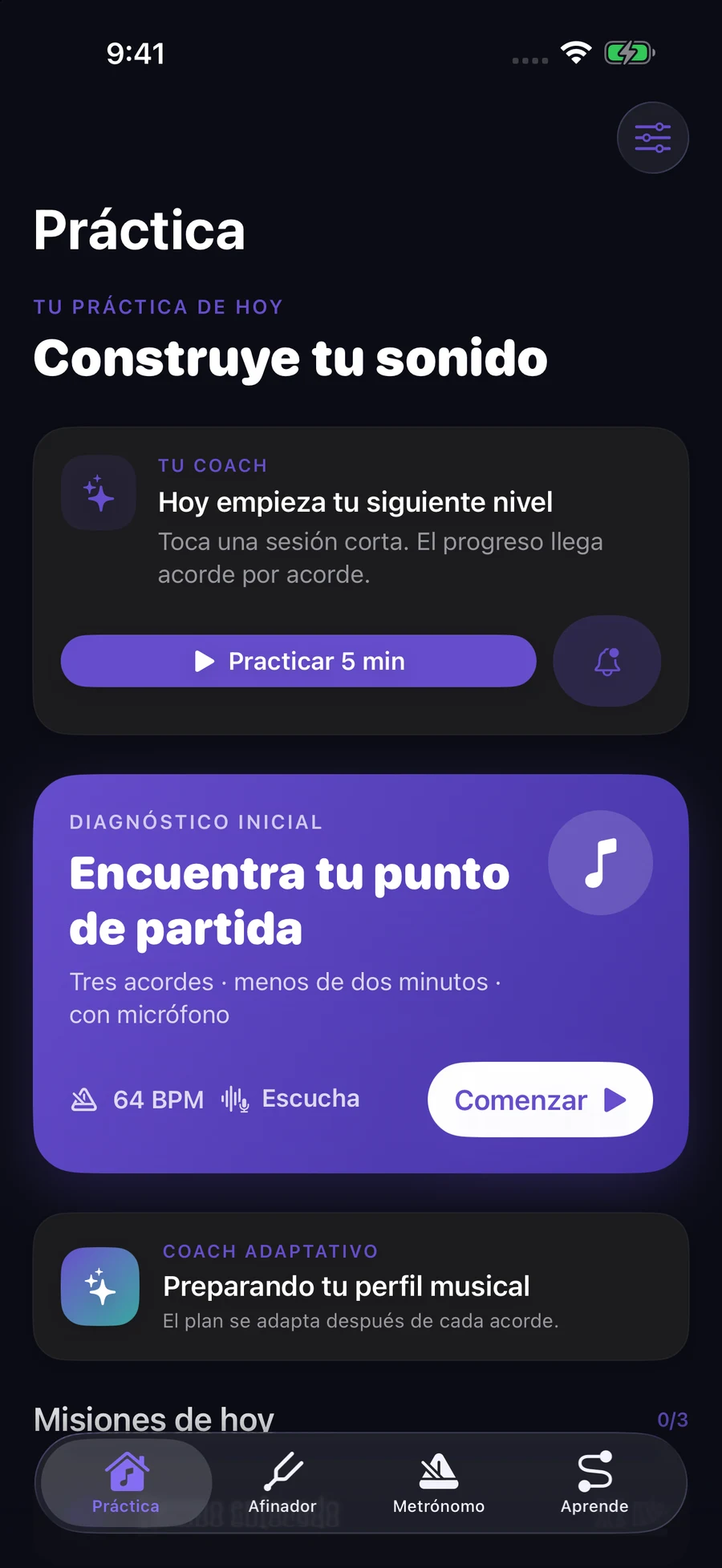
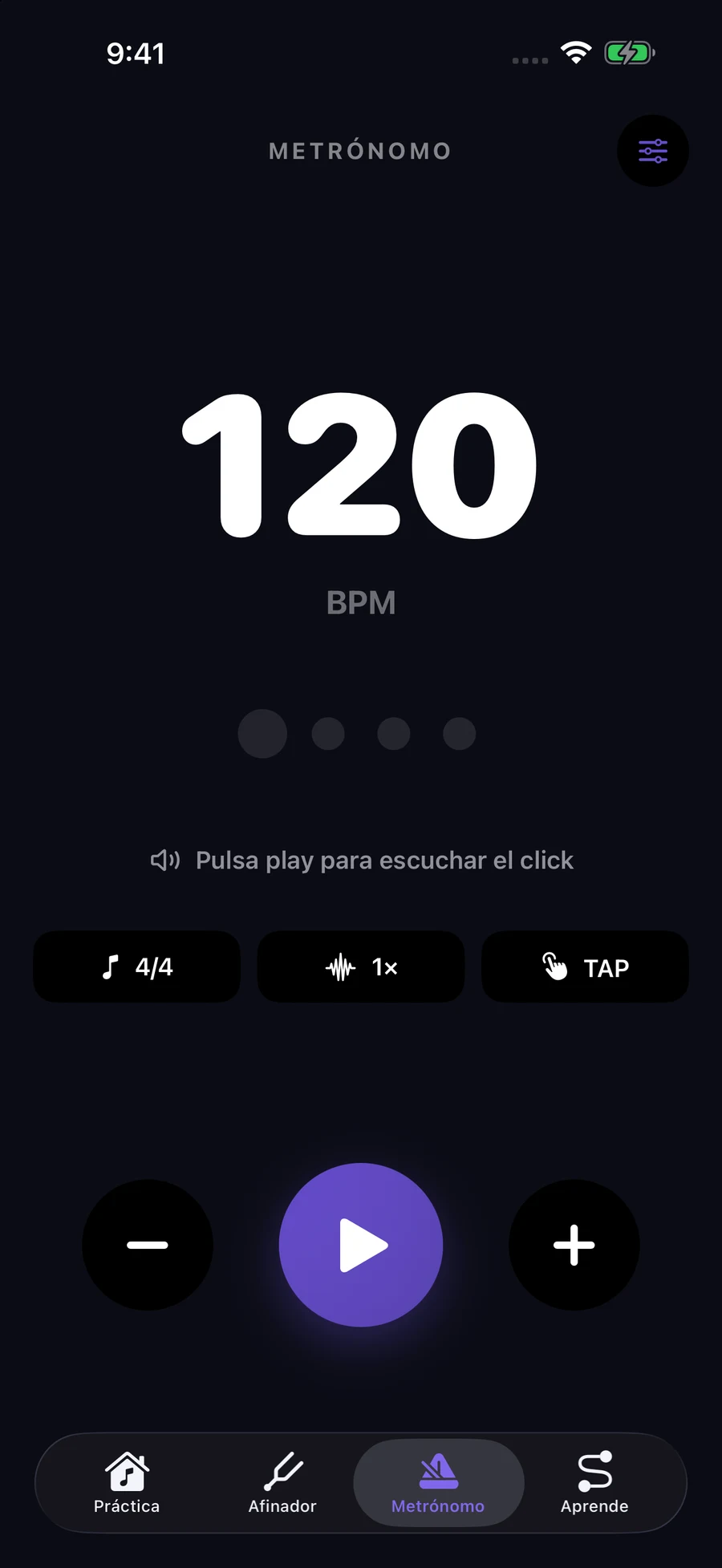
Real app screens. Current app interface primarily in Spanish.
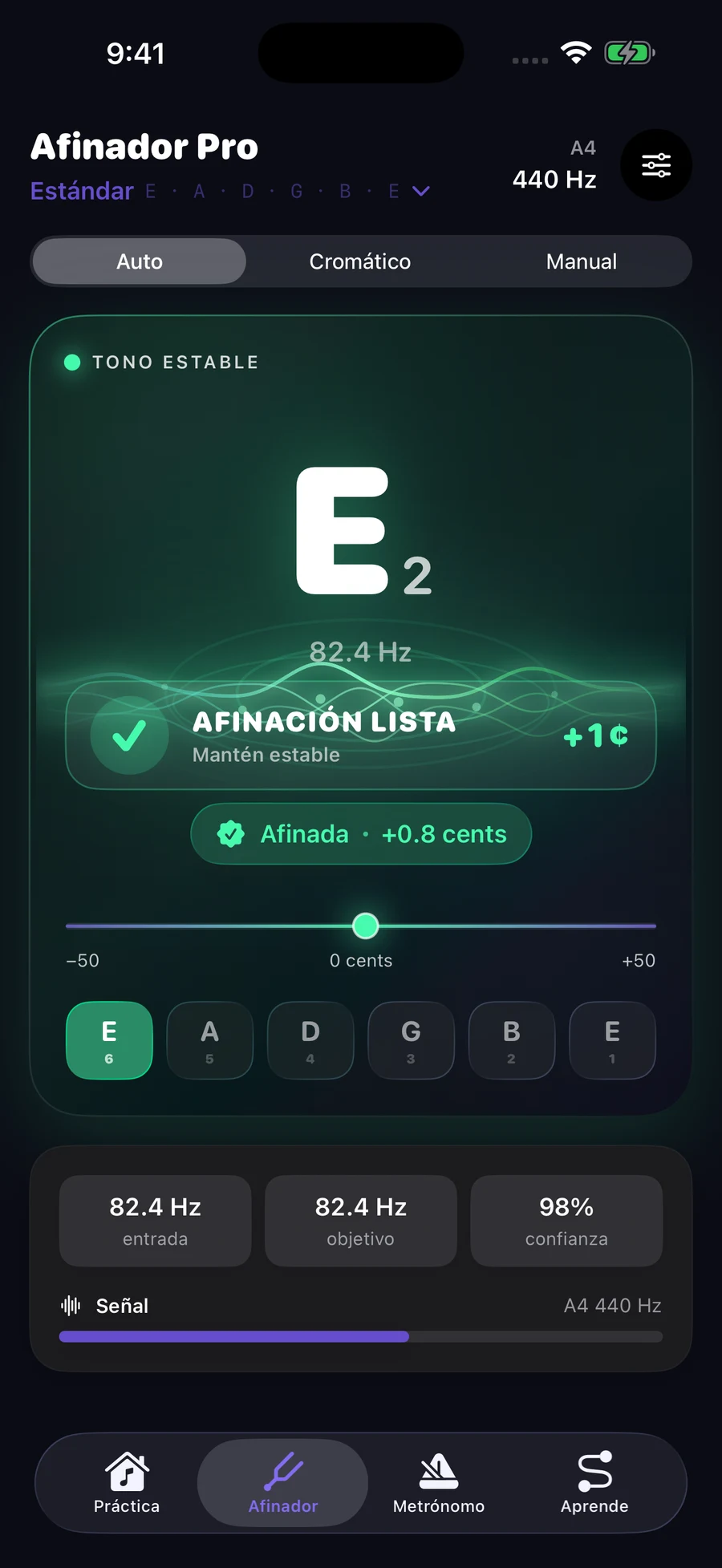
See the note, frequency and cents. Follow the direction, make a small adjustment and watch your tuning settle.
Automatic, manual and chromatic modes. Alternative tunings and an adjustable A4 reference.
Visual demonstration · No microphone or audio
82.41 Hz
Ready to demonstrate
Follow a path of levels, practise the chords and see your progress through stars and XP. Each session builds on the last.
Explore chord diagrams, practise with listening feedback and keep time with the metronome. Recognition depends on your instrument, microphone and surroundings.
Choose right- or left-handed diagrams.
An appearance that suits your space.
Optional local reminders, with messages in Spanish or English.
Planned access options. Availability and prices will appear in the app when purchasing is enabled.
Auto-renewing subscription
Auto-renewing subscription
One-time purchase, not a subscription
The native app asks for microphone permission to tune and evaluate chords. Audio is processed on the device; the reviewed implementation does not save or upload microphone recordings. This website demo does not access your microphone.
Yes. Choose your playing hand in the app settings.
iPhone and iPad. A public App Store listing has not yet been confirmed. The current app interface is primarily in Spanish.
Progress is stored locally. Optional iCloud synchronization shares progress and preferences across your devices.
Weekly and annual subscriptions and a lifetime one-time purchase are planned. Apple processes purchases in the app. Use Restore purchases with the Apple Account used to buy; production purchasing is still being prepared.
The support page covers microphone permissions, tuning, reminders, purchases and troubleshooting.